With your E-series audio interface, there are two primary methods for monitoring your microphone's input:
Hardware Monitoring: Activate the MON feature on your interface. When you plug in your headphones, you will hear your microphone's input signal directly from the hardware. This signal does not pass through your computer or any software, which results in extremely low latency.
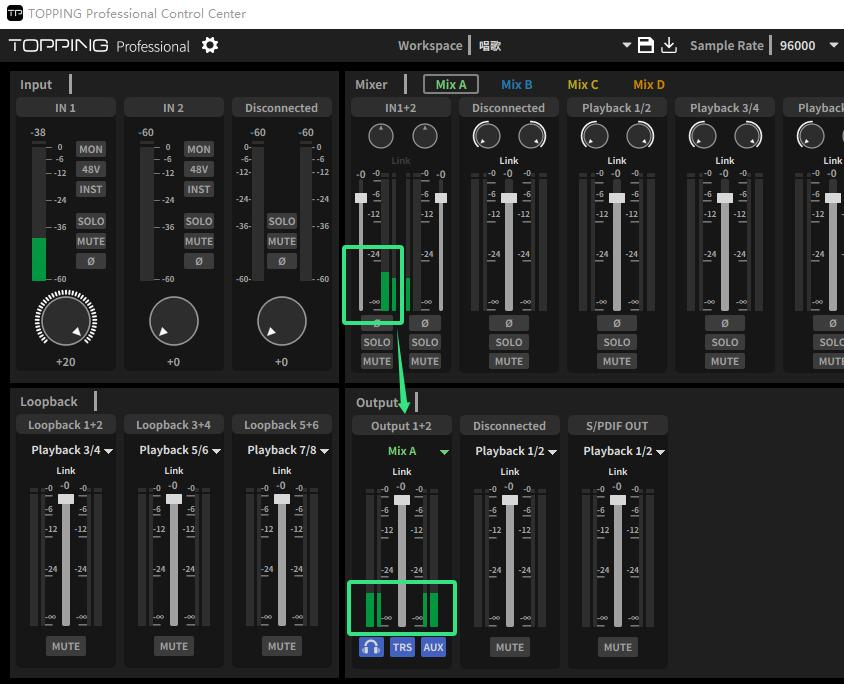
Software Monitoring: In the audio interface's control center software, select the output as MixA. You should then see an input signal from your microphone within MixA. When you plug in your headphones, you will hear your microphone's input signal through the software. For more information on the functions of the control center, please refer to our official video tutorial:https://www.bilibili.com/video/BV1pJ4m1w71H
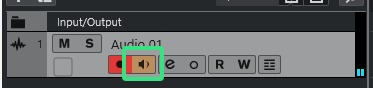
DAW Track Monitoring. Most Digital Audio Workstations (DAWs) offer a software monitoring function on their recording tracks. This allows you to load third-party effects plugins and hear the processed signal ("wet" signal) in real-time while recording the clean, unprocessed signal ("dry" signal) to the track.