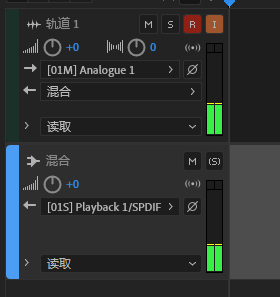
From a physical standpoint, a single microphone captures a mono signal.
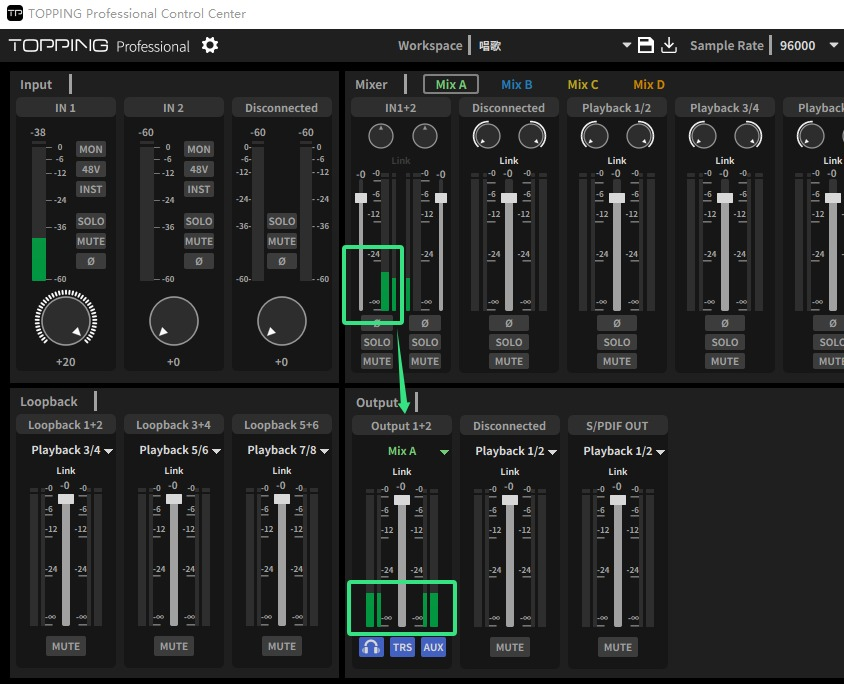
By default, when you record a mono source onto a stereo track in your DAW, the signal will only appear on either the left or right channel. However, in the TOPPING Pro Control Center software, you can easily adjust this.
In the MixA section, if you have unlinked IN 1+2, you can pan the single input to the center. This effectively duplicates the mono signal to both the left and right channels of your output, so you will hear the microphone signal on both sides.
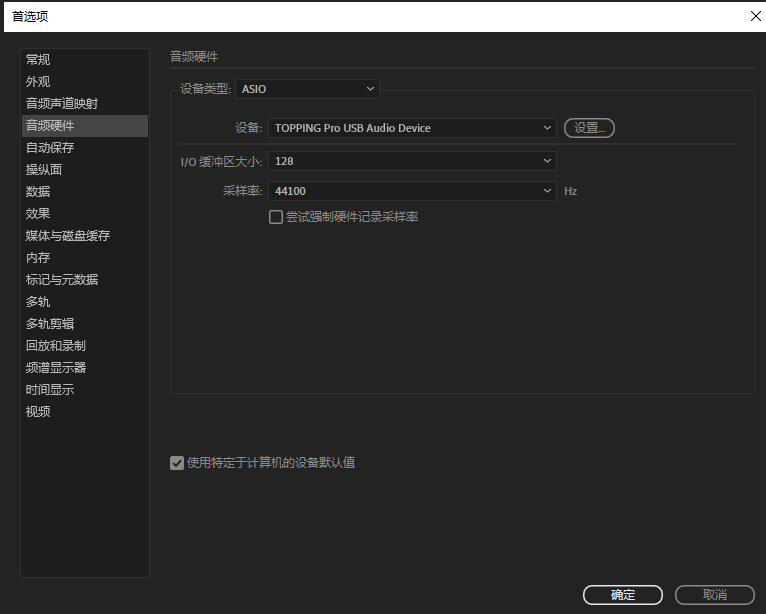
When recording in a DAW (Digital Audio Workstation) such as Adobe Audition, Cubase, Logic, REAPER, or Studio One, the correct procedure is to set the audio driver to TOPPING's ASIO audio interface driver.
Create a new project and a mono track, then select IN1/IN2 as your audio interface input.
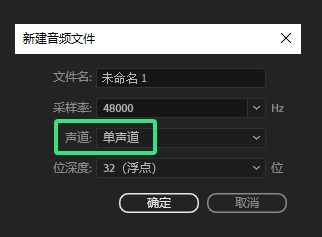
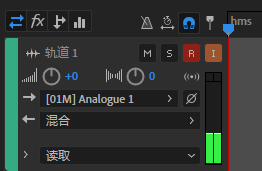
After recording a mono audio signal, the output is routed through a stereo bus by default. As a result, you will hear the sound in both your left and right headphones, and when the mono audio plays back, it will be centered.