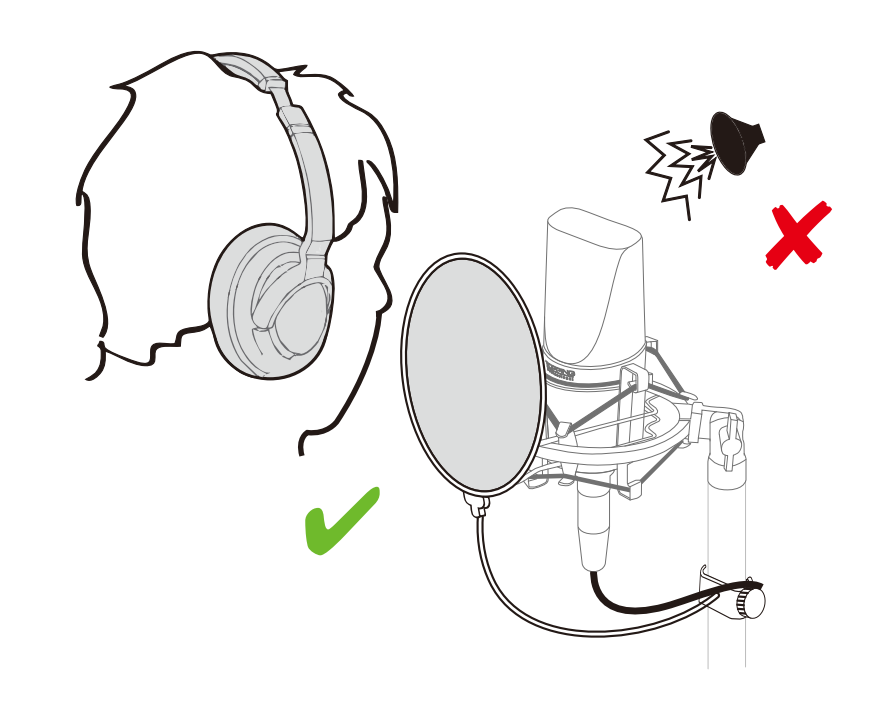
The popping sounds, or plosives, are caused by bursts of air from vocalizations (like the "p" or "b" sounds) hitting the microphone's diaphragm. To prevent this, you can use the included pop filter that comes with your CL101 microphone. Position it between the vocalist and the microphone to diffuse the airflow.
The dull or flat sound is likely related to microphone placement. Adjusting the distance between the vocalist and the microphone dramatically changes the tone of the recording. This is due to a phenomenon called the proximity effect.
Generally, the closer you are to a directional microphone, the more pronounced the low frequencies become. By moving closer, you can achieve a warmer, fuller sound. Conversely, if you're too close, the sound can become boomy or muffled. Experiment with the vocalist's distance from the microphone to find the perfect balance of clarity and warmth for your recording.