
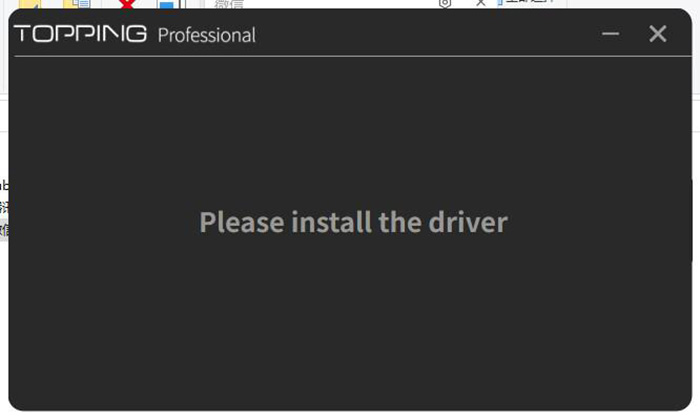
Some antivirus software can block driver installations, causing them to fail. To fix this, first disable your antivirus software. Then, go to the control center's installation directory. (You can do this by right-clicking the black TP shortcut icon and selecting "Open file location".) Find the driver installer file, ToppingProUsbAudio.exe, right-click it, and select "Run as administrator" to reinstall the driver.
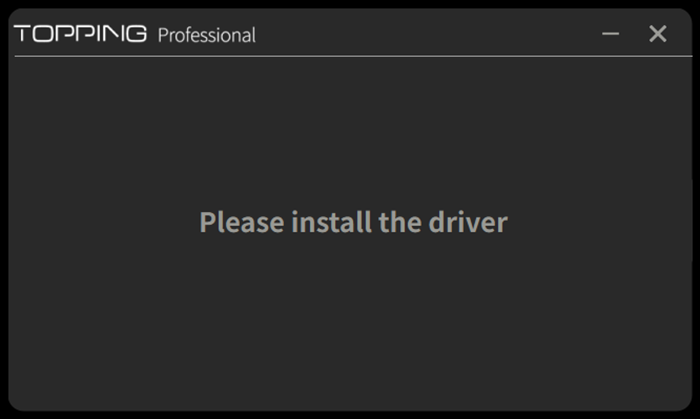
If the driver installer skips directly to the final completion page, please first perform a complete uninstallation of the current driver, then restart the installation process.
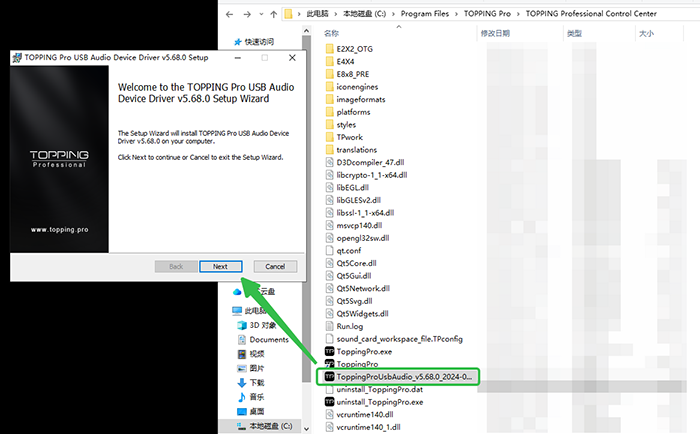
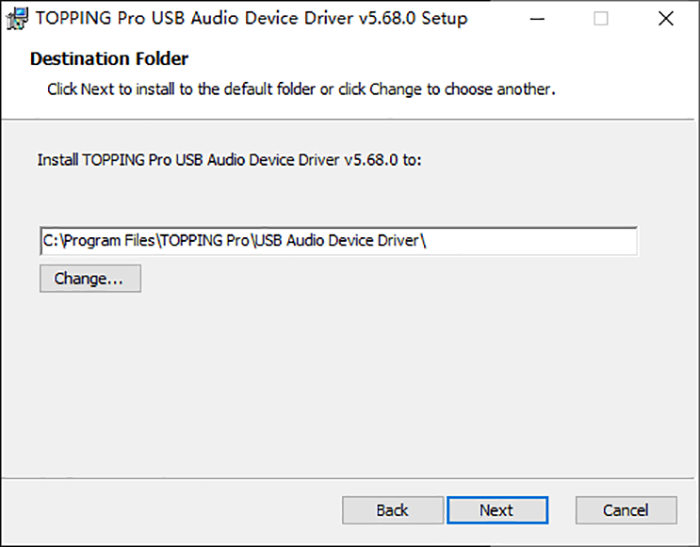
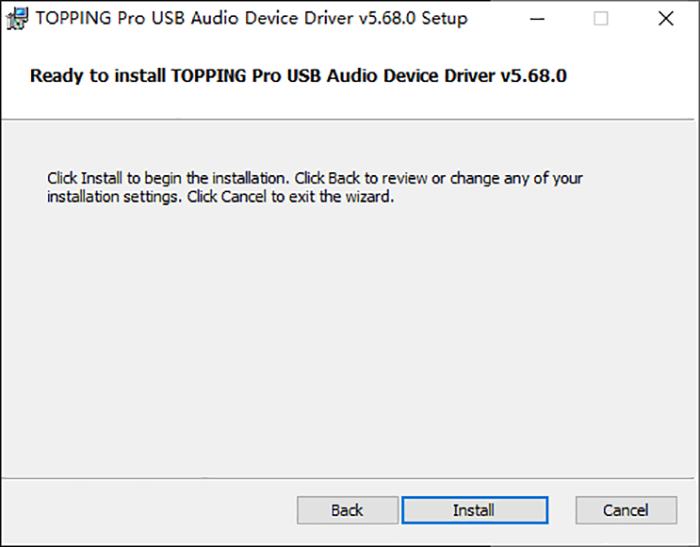
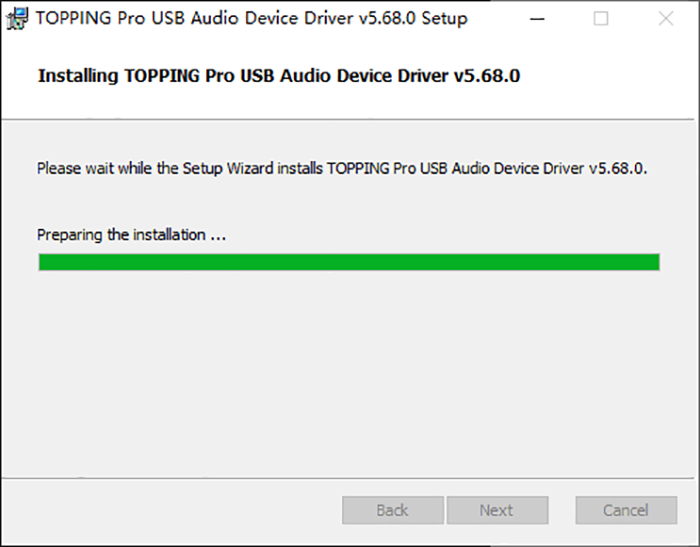
If you've followed the steps above and are still having issues, it's best to perform a clean installation. First, close your antivirus software, then completely uninstall the control center and all associated driver files. After ensuring everything has been removed, restart the installation process.
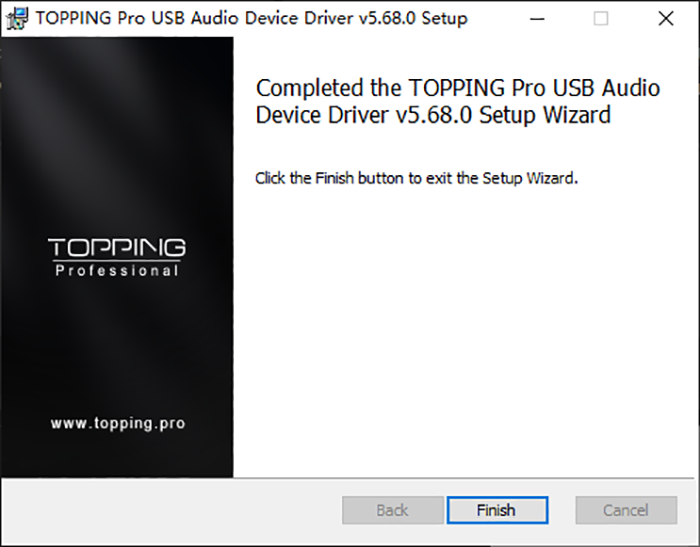
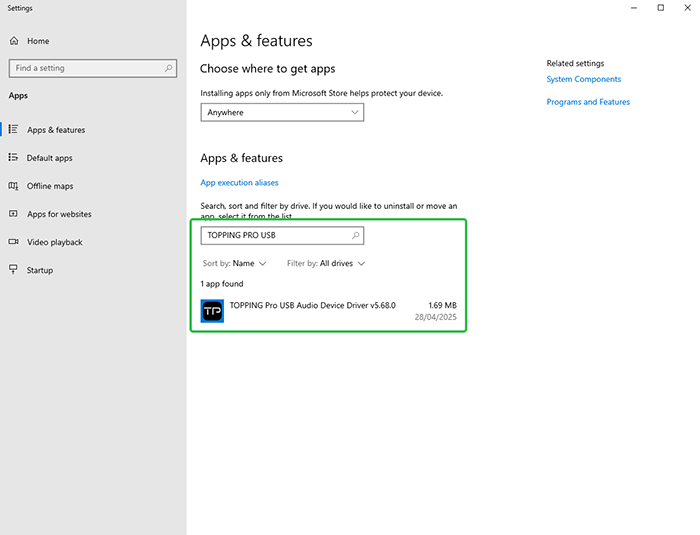
If the issue persists, the most comprehensive solution is to perform a clean reinstallation of your computer's operating system. This will ensure that any underlying software conflicts or corruption are eliminated.